
Update: Introducing Pulsedive Docs
Pulsedive now has a dedicated documentation site with a complete API reference, live playgrounds, and MCP server support for AI-assisted development.

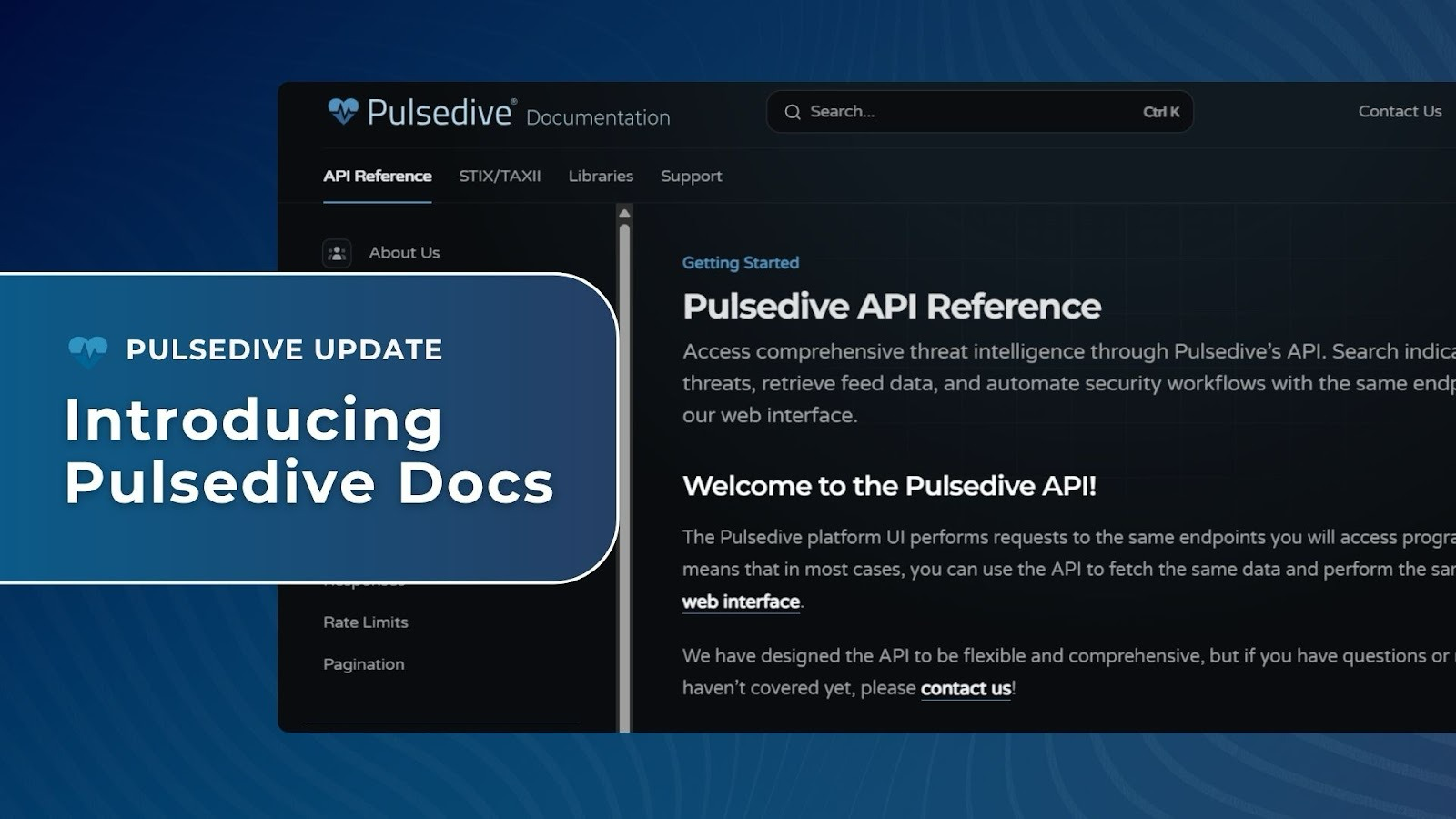
Pulsedive now has a dedicated documentation site: docs.pulsedive.com. Whether you're exploring Pulsedive for the first time or building against it at scale, the docs are your reference for what our API can do and how you can use it.
Why now?
Pulsedive’s docs started where a lot of companies’ docs start: built into the product, close to the team, good enough for the scale at the time. As the platform grew, so did the gap. More features meant more things to document, more places where the docs lagged behind the API, and more time you spent tracking down answers that should have been right in front of you.
Frictionless access to Pulsedive data and our products is one of our core principles. The old docs setup wasn’t living up to that. This site is the fix.
What's available now
This first release covers the complete API surface, with request parameters, response schemas, and curl examples throughout:
- Indicators: Get full indicator context in a single request, including risk scores, properties, linked indicators, and metadata
- Scan: Submit indicators for on-demand enrichment (passive or active) and poll for results
- Threats: Query threat data including associated indicators, aliases, risk levels, and timeline information
- Feeds: Download bulk indicator data, filtered by risk, type, and time period
- Explore: Run structured queries across Pulsedive's indicator and threat database
- STIX via TAXII: Pull indicator and threat data in STIX 2.1 format over TAXII 2.1, with full filter support
- Global reference: Authentication, output formats, error codes, and pagination, all in one place
Built for how you actually work
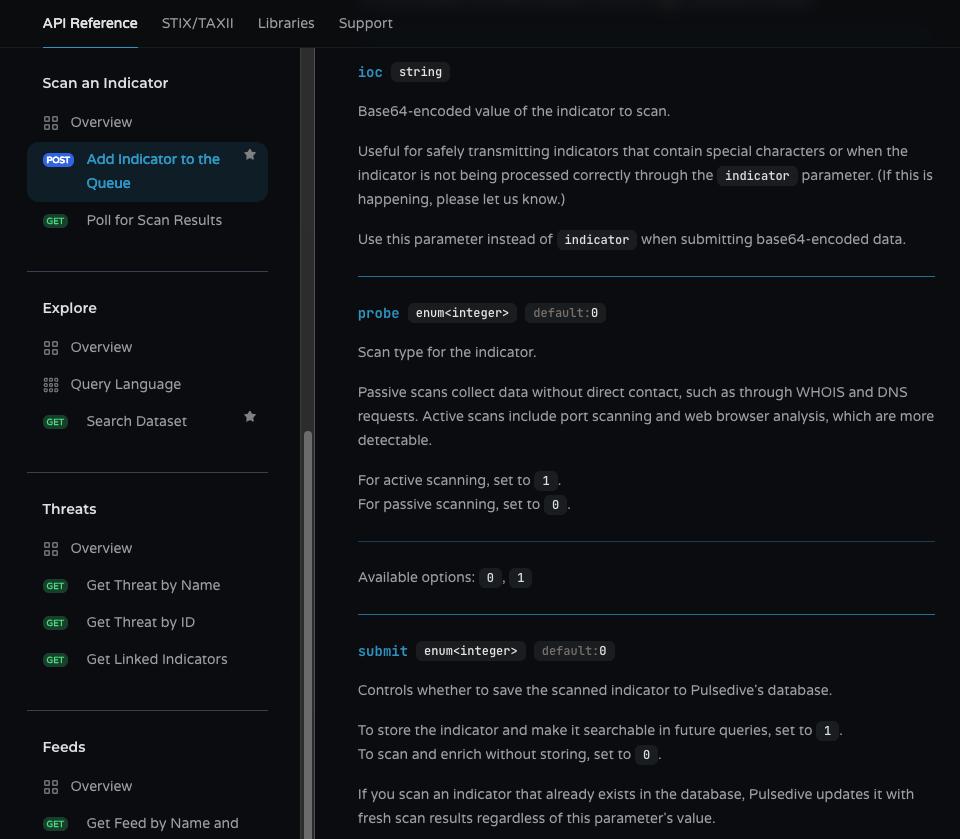
Every endpoint includes full parameter tables right where you need them: descriptions, accepted values, defaults. So you’re not hunting across pages to understand a single call.
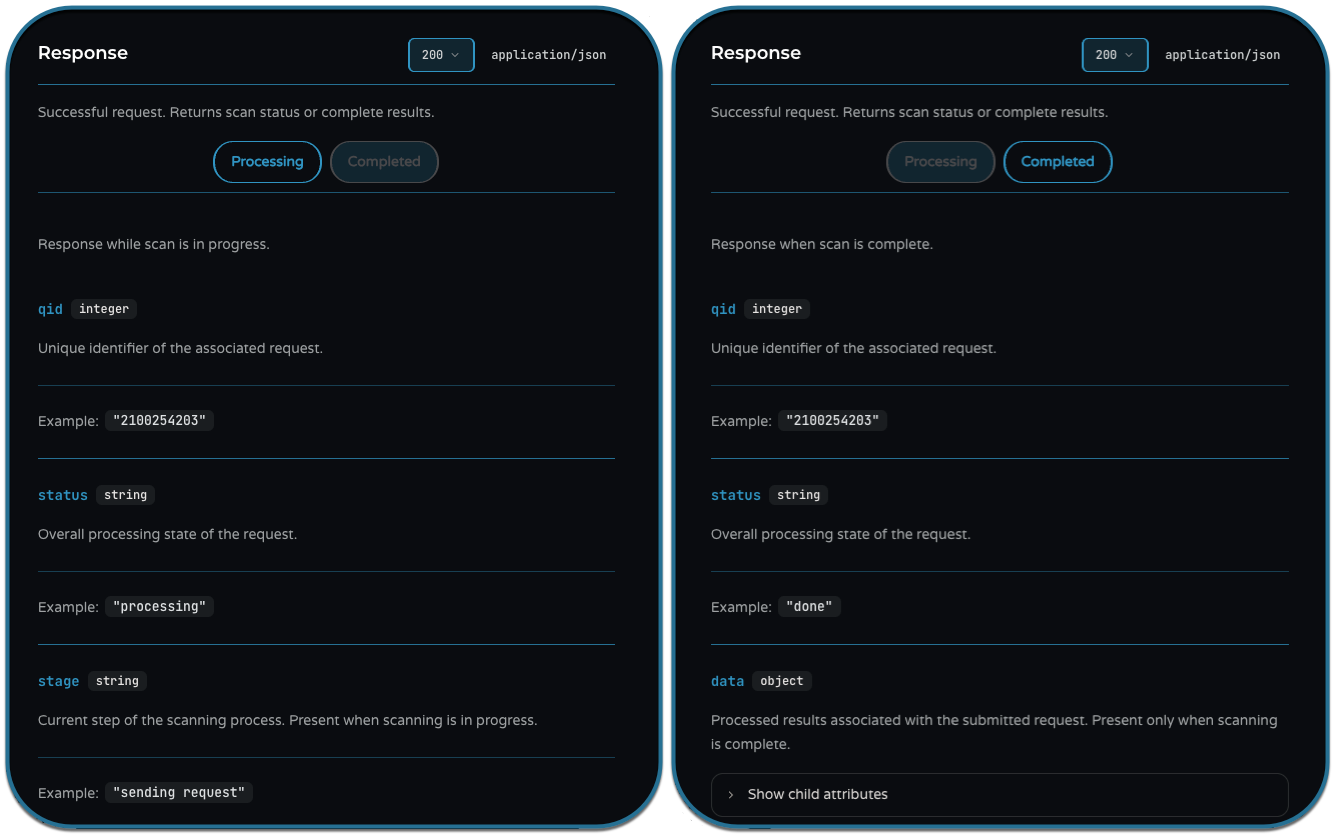
Response schemas show what you’ll actually get back, including the different shapes a response can take depending on what you asked for.
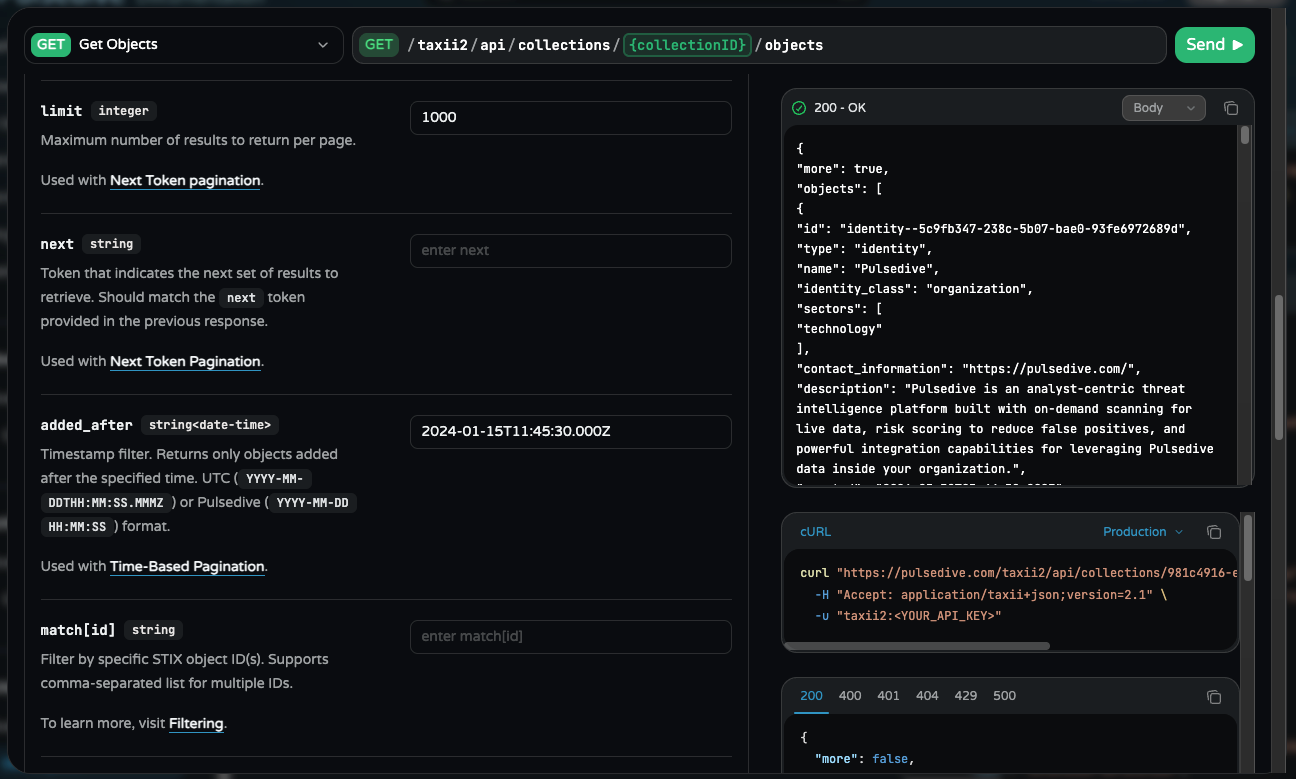
The docs also include a full API playground. Make live calls against the API, see real response shapes, and build your request in curl without leaving the page.
TAXII has its own dedicated playground too. Try the full TAXII surface the same way, with your API key.
Search, light and dark mode, and a clean information hierarchy round it out. Because documentation that is hard to navigate isn’t actually useful.
Use it with your AI tools
If you're already using an AI assistant to write and debug your integrations, it should be able to answer questions about the Pulsedive API directly, not guess based on whatever it last scraped from the internet.
Connect the MCP server at docs.pulsedive.com/mcp to Claude, Cursor, VS Code, or any MCP-compatible tool. Here’s how to get started in Claude:
- Open Claude and go to Customize > Connectors.
- Select +, then Add custom connector.
- Enter a name for your connector (we used "Pulsedive Docs") and set the Remote MCP server URL to https://docs.pulsedive.com/mcp.
- Select Add.
Your AI assistant can now query the Pulsedive docs directly. No web search, no stale results.
More on the way
This is the foundation, not the finish line. Integration guides, workflow examples, and content built for security teams putting Pulsedive data to work in their programs are on the way.
Teams are already using the API to enrich indicators at detection time, automate threat lookups that used to be manual, and pipe Pulsedive data into their own tooling. If you're building something in this space, we’d love to hear about it.
And we’re always here at support@pulsedive.com if you need us.